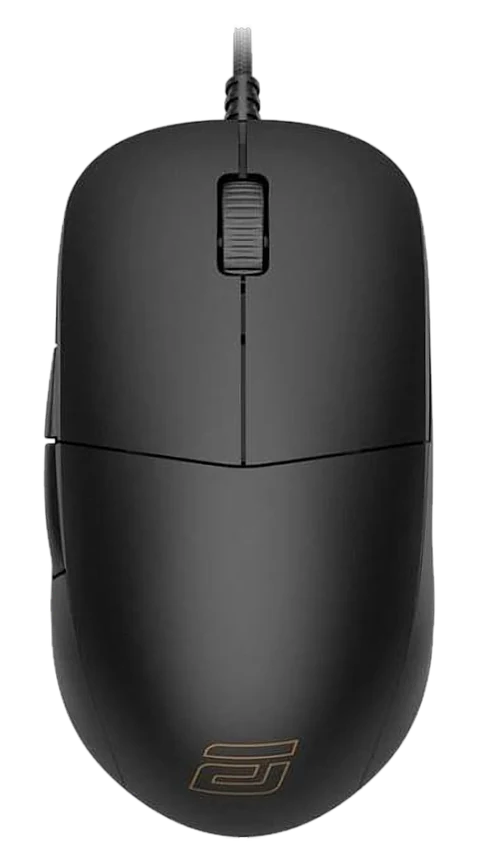
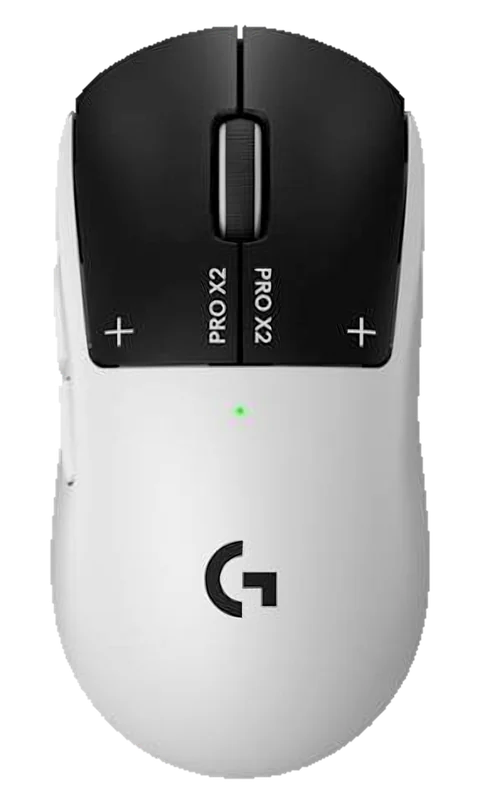
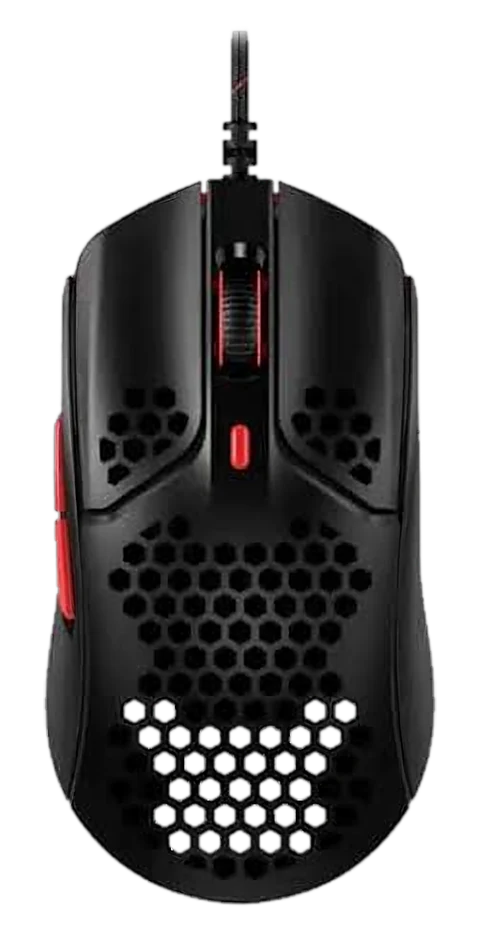
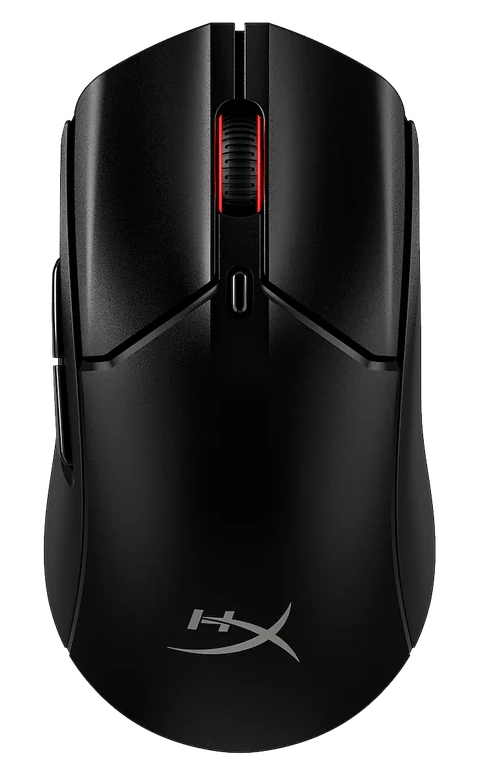
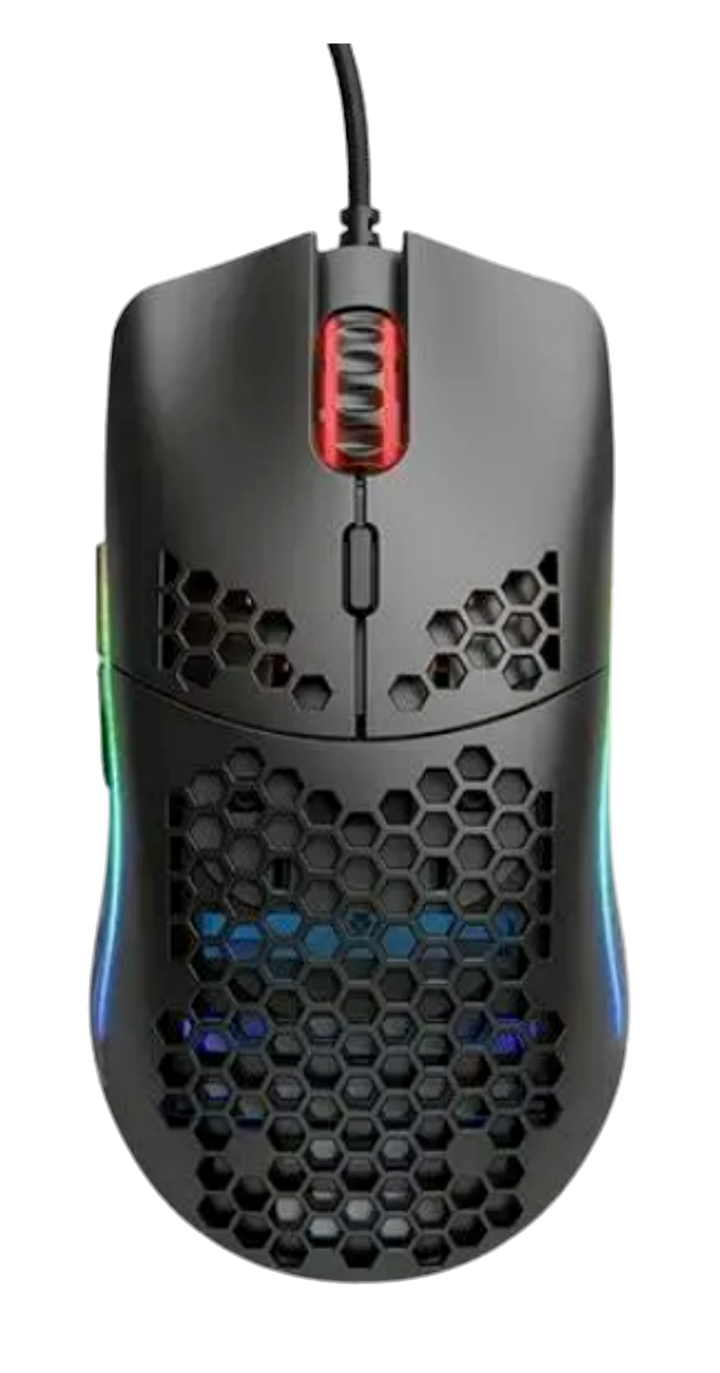
Glorious Model O
A Minecraft favorite for butterfly clicking and fast control.
Almost every experienced Minecrafter has heard of the Glorious Model O. It’s famous for letting users lower debounce to 0ms, which can make one finger movement register as two clicks and help with faster clicking techniques.
Built for maximum CPS
Debounce can be lowered to 0 ms, so one finger movement can register as two clicks. That is what makes butterfly and jitter clicking so fast. Not the best for drag clicking.
Fast input feel
Low debounce and a light, responsive feel make it a strong fit for fast clicking and quick camera movement.
Built for practice
Great for butterfly and jitter clicking, especially if you want a mouse that feels easy to control.
The numbers, explained
What each spec means in plain English, and who the Model O suits. We don’t rank mice against each other — the right one depends on your hands, games and budget.
- Weight
- 67 g
- Max DPI
- 12,000
- Tracking speed
- 250 IPS
- Max acceleration
- 50 G
- Polling rate
- 1,000 Hz
- Connection
- Wired
- Battery life
- None (wired)
- Programmable buttons
- 6
- Sensor
- PixArt PMW3360
- Switches
- Not published
- Shape
- Symmetrical · Ambidextrous
- Best grips
- Claw / Fingertip
- Hand sizes
- Medium
- Minecraft CPS potential
- Top CPS (5/5)
- Lowest trusted price
- ₹6,001 · Desertcart.in
- ProMouser rating
- 9.5/10
Wired figures shown. The wireless Model O tracks up to 400+ IPS and 19,000 DPI.
Specs are manufacturer-published headline figures and may differ by variant or region. Confirm current details with the manufacturer or seller before buying.
What makes the Glorious Model O worth considering
0ms debounce setting
Enables faster input behavior for users who want to push their clicking style and experiment with high-CPS techniques.
Lightweight and balanced
It weighs 67g and is balanced well enough that the added weight is often hard to feel during normal play.
Tracking and DPI
Tracking reaches 250+ IPS on wired and 400+ IPS on wireless, with up to 12,000 DPI on wired and 19,000 on wireless.
RGB and buttons
Customizable RGB and 6 fully programmable buttons make it flexible for both play and daily use.
What we noticed while using it
Best for butterfly and jitter clicking
The buttons feel easy to control and are very comfortable for fast, repeated clicks. It is not the best choice for drag click.
Small limitations
The software is a little older and doesn’t offer as many lighting or customization options as newer mice, but it is still good enough for everyday use.
Our rating
For players who want a fast, light, and responsive mouse for Minecraft and clicking practice, this is a strong pick. Our overall takeaway is 9.5/10.
Trusted buying options
These links are included so you can compare pricing and availability quickly.